
Guide
Translate a voice message from any app
Voice notes don't only happen on WhatsApp anymore — Telegram, Instagram, Messenger, iMessage all use them. Here's how to translate one no matter where it came from.
The problem with most voice translators
Search for a voice message translator and most of what you'll find is built for one platform — a WhatsApp Web extension, a Telegram bot, an Instagram-only tool. If the voice note that stumped you came from a different app, you're stuck looking for another tool.
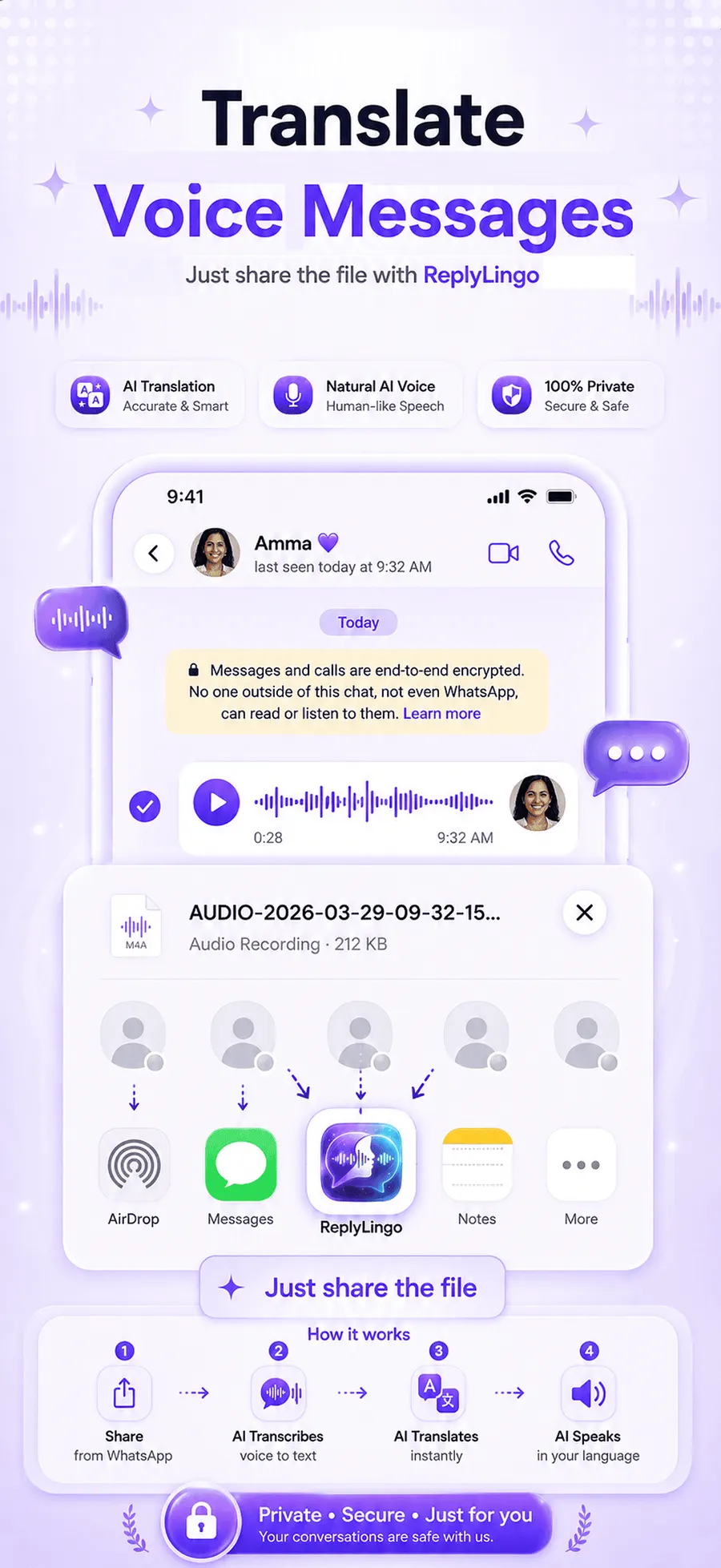
ReplyLingo works differently: it's a phone app that plugs into your operating system's share sheet — the same "Share" menu every messaging app already uses to send a file elsewhere. That means it isn't tied to WhatsApp, or any single app. If you can share the audio file, ReplyLingo can translate it.
How to translate a voice message, platform by platform
Telegram
- Tap and hold the voice message.
- Choose Forward or Share.
- Select ReplyLingo from the share sheet.
Instagram DMs
- Open the voice message's options in the DM thread.
- Share or save the audio, then share it into ReplyLingo.
- Instagram's exact menu wording varies by app version, but the audio file behaves the same once it reaches your share sheet.
Messenger, iMessage & voice memos
- Use the built-in Share option on the voice message or audio file.
- Select ReplyLingo.
- Translated audio and a spoken reply come back the same way regardless of where the original message came from.
Any other app
If an app lets you share an audio file at all — Discord, Slack, email, a downloaded recording — the same flow applies: share it to ReplyLingo, get it transcribed, translated and read back to you.
Looking for the WhatsApp-specific walkthrough?
If the voice note in question is specifically on WhatsApp, the full step-by-step — including what WhatsApp's own translation feature does and doesn't cover — is in How to translate a WhatsApp voice message. Comparing your options first? See how to choose the best voice translator.
Related guides
Frequently Asked Questions
One app, every voice note
Free to start. No sign-up needed. Continue as a guest.