
Guide
How to choose the best WhatsApp voice message translator
Search for this and you'll find a mix of tools that actually translate, and tools that just transcribe. Here's how to tell the difference — and where ReplyLingo fits.
Most 'voice translator' tools fall into three categories
1. WhatsApp's own transcription
Built in, free, but transcribes only — it turns speech into text in the same language it was spoken, and doesn't cover every language. If you don't understand the source language, a same-language transcript doesn't get you any closer to understanding it.
2. Browser-based or WhatsApp Web tools
Usually free, and some genuinely translate. The trade-off is that they only work while you're at a computer with WhatsApp Web open, and often involve manually playing the audio through your speaker for the tool to pick up — extra steps compared to sharing a file directly.
3. Dedicated voice-translator apps
Phone apps built specifically for this — transcribe, translate, and often speak the translation back to you, usually through the same share sheet every messaging app already uses to send files elsewhere. ReplyLingo is in this category.
5 questions worth asking before you pick one
- Does it actually translate, or only transcribe (same-language speech to text)?
- Can it speak the translation aloud, or does it only show text?
- Can you reply back in your own language and have it translated automatically?
- Does it keep a server-side copy of your voice messages, or process and discard?
- Does it work with every app you actually use, or only WhatsApp Web?
Run any tool you're considering through this list — including ReplyLingo. It's a useful filter regardless of which one you end up choosing.
Where ReplyLingo fits
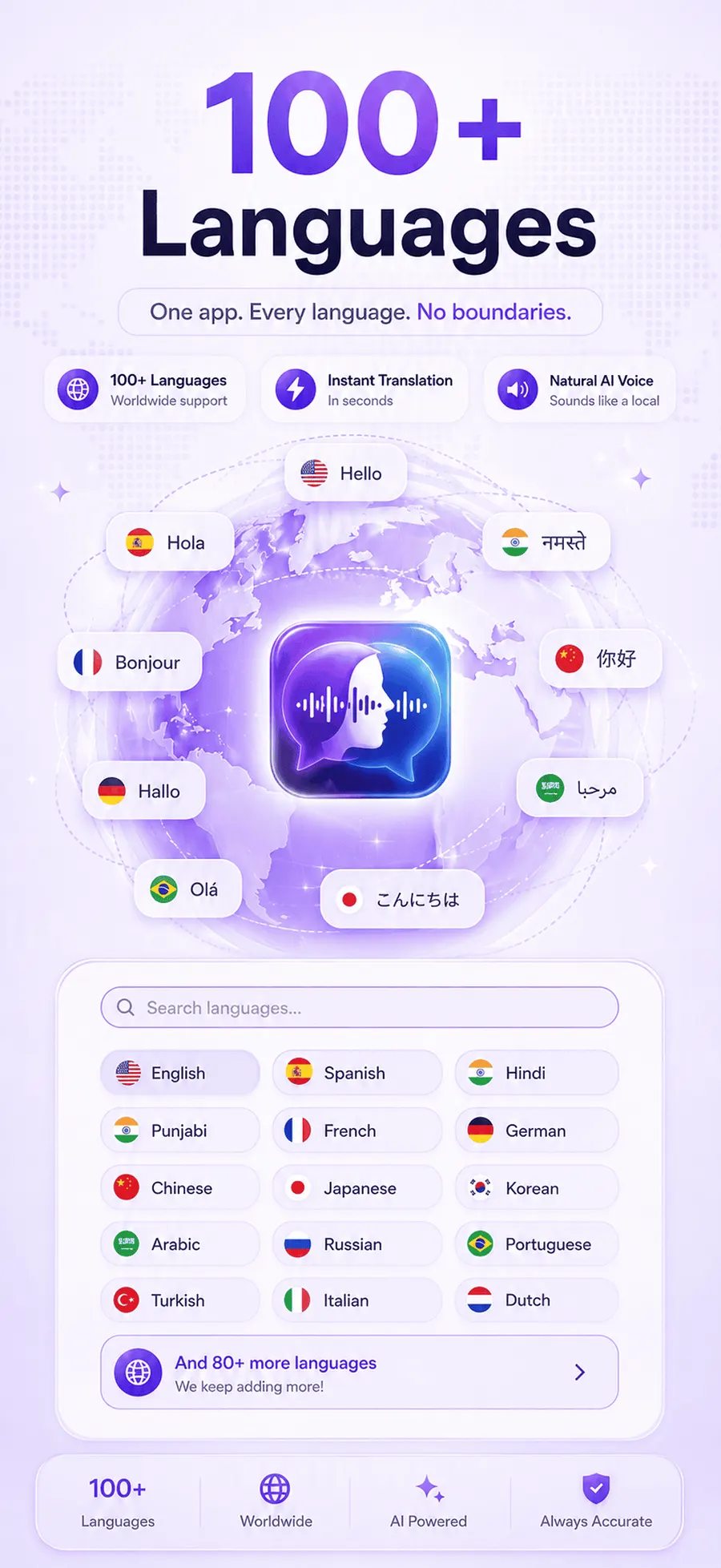
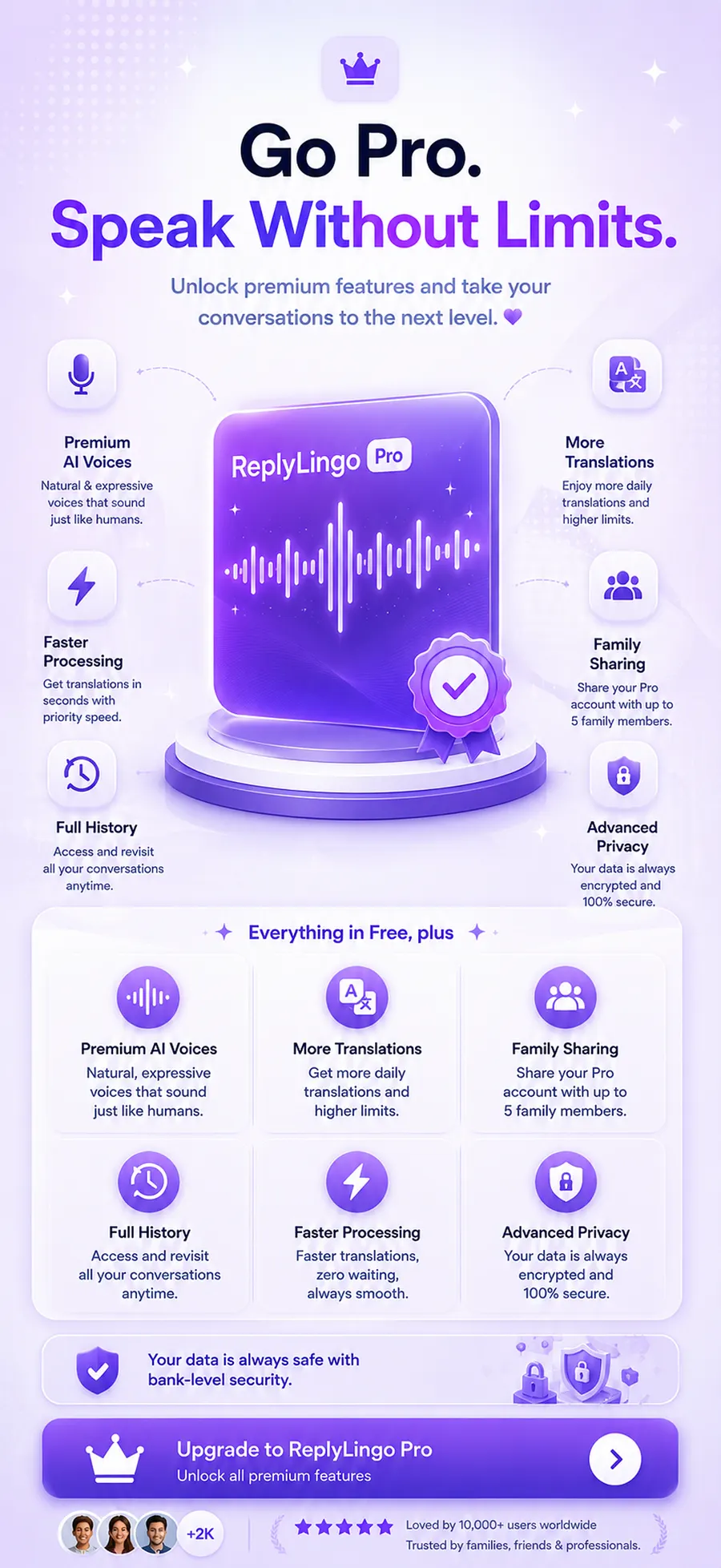
ReplyLingo transcribes, translates and speaks the translation back in a natural AI voice, then lets you record a reply that's translated and spoken back in the sender's language — the full loop, not just half of it. It's a native phone app using your operating system's share sheet, so it works from any app that can share audio, not only WhatsApp Web. It doesn't keep a server-side copy of your conversations.
To be upfront about what it isn't: ReplyLingo translates voice messages, not live phone or video calls, and it's iOS-only today with Android in closed testing. If your use case is real-time call translation, or you need Android right now, look elsewhere for those specific needs.
Frequently Asked Questions
Try the full loop for yourself
Free to start. No account required.