Guide
Translate any WhatsApp voice message into English
Someone sent a voice note in Spanish, Hindi, Punjabi, Arabic or another language, and you just need to know what it says in English. Here's how, step by step.
Why 'transcribe' isn't the same as 'translate to English'
WhatsApp's Voice Message Transcripts feature (Settings → Chats → Voice Message Transcripts) converts a voice note into text — but only in whatever language it was recorded in. A Punjabi voice note becomes Punjabi text; a Hindi voice note becomes Hindi text. If you don't read that language, a transcript in it doesn't get you any closer to English.
Coverage is also uneven: WhatsApp's transcription doesn't support every language at all — Punjabi is a notable gap — and which languages work can differ between iPhone and Android. So for a genuine English translation, you need a tool built to translate, not just transcribe.
How to translate a WhatsApp voice note to English
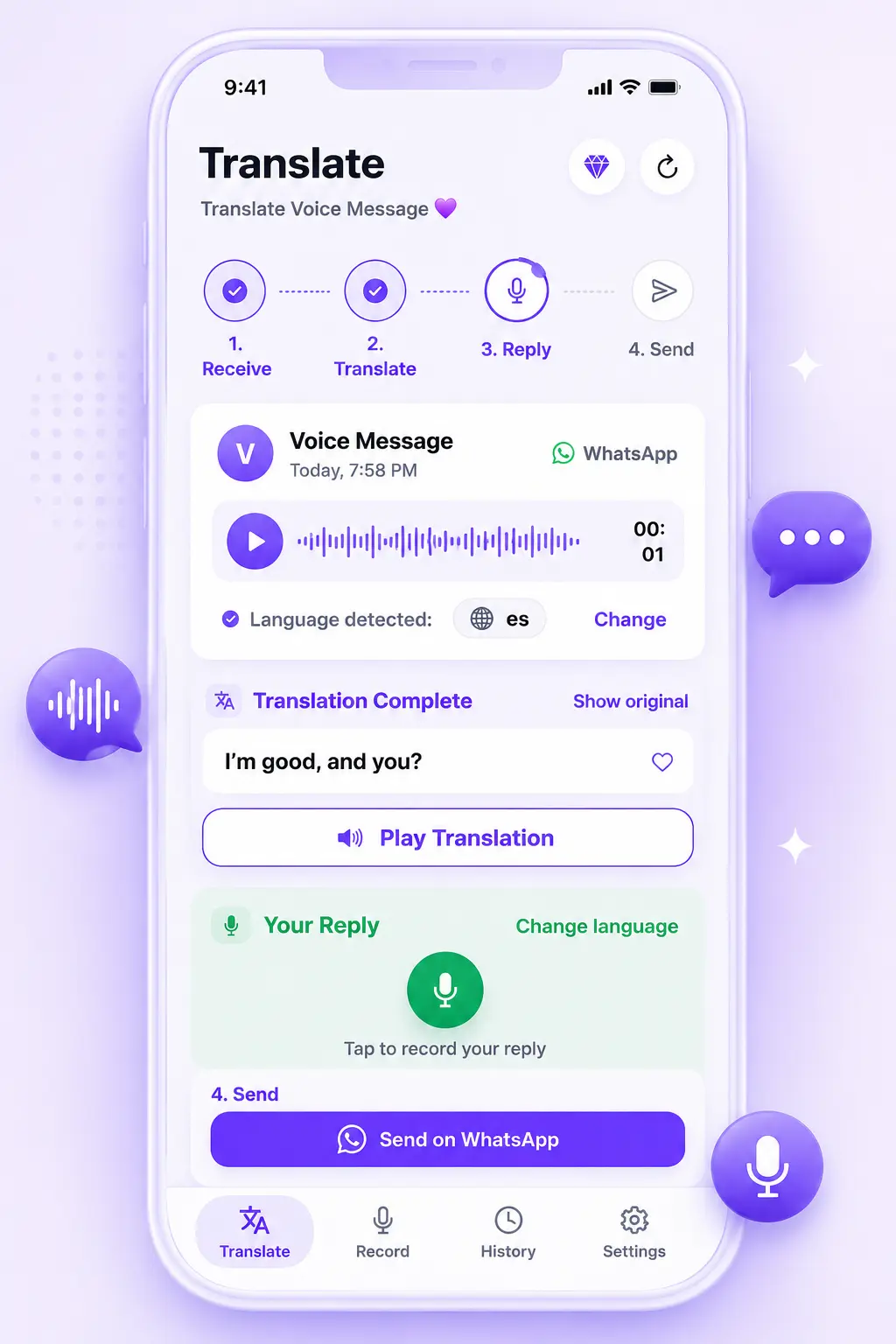
- Open the voice message in WhatsApp, tap Share, and select ReplyLingo.
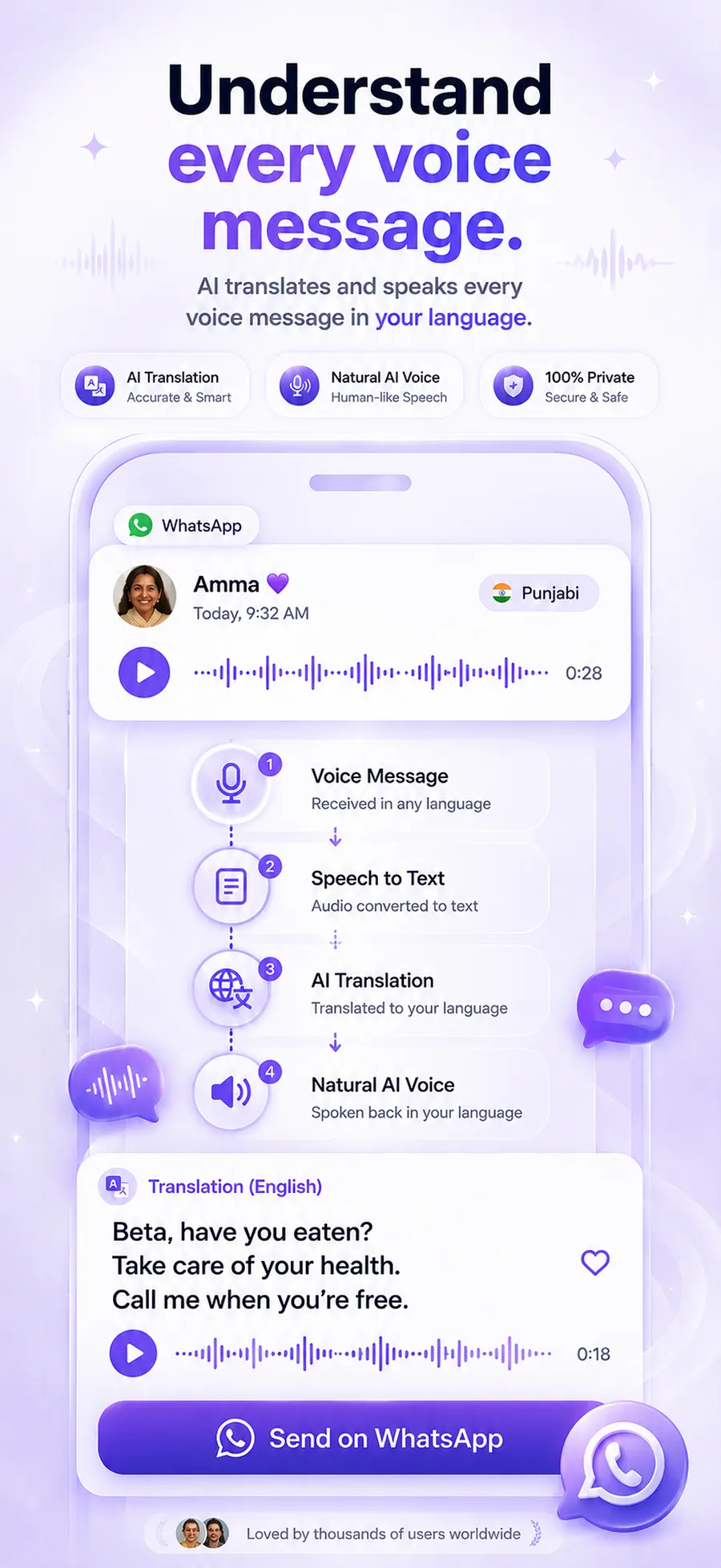
- ReplyLingo detects the spoken language automatically — no need to tell it what language the note is in.
- It transcribes and translates the audio, then shows you the English text and reads it aloud in a natural AI voice.
- Want to reply? Record your response in English — ReplyLingo translates and speaks it back in the sender's language, ready to send.
Works from any source language
You don't need to know or select the original language — ReplyLingo detects it for you. That covers voice notes in Spanish, Hindi, Punjabi, Arabic, Tagalog, Portuguese, French, German, Mandarin, Japanese, Korean, and 100+ others, all translated into English the same way.
Keep the conversation going in English
Understanding the message is only half of it — most conversations need a reply too. Speak your response in English and ReplyLingo translates and reads it back in the sender's language before handing it to WhatsApp's share sheet, so you can keep replying in English even if the other person can't.
Frequently Asked Questions
Understand it in English in seconds
Free to start. No account required.